


Record and Display Telemetry from Forza Motorsport 7, Horizon 4, and Horizon 5.
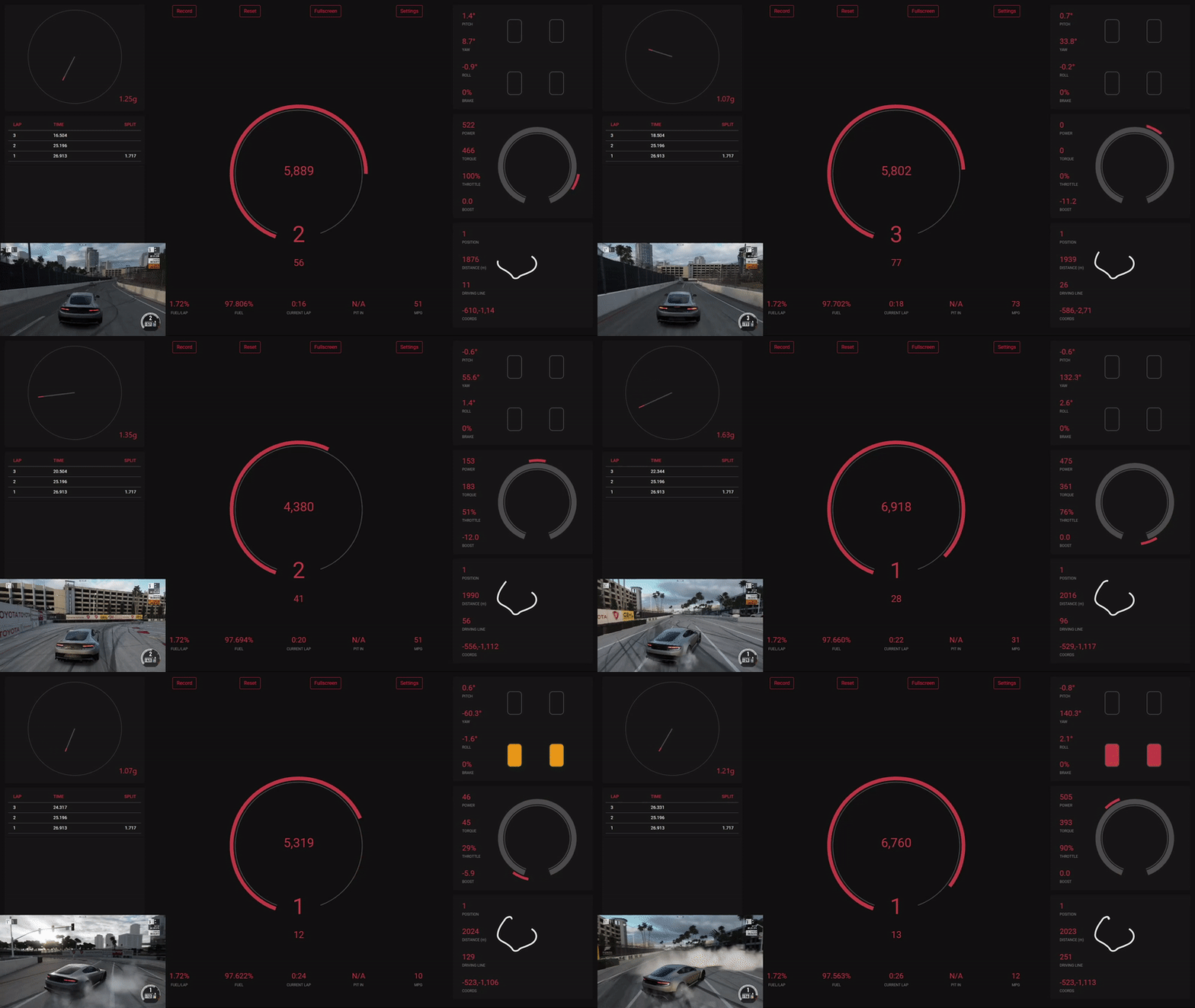
- Visit Microsoft's .NET 6.0 download page
- Download the x86 version of the installer for Windows
- Launch the game and head to the HUD options menu
- Set
Data OuttoON - Set
Data Out IP Addressto127.0.0.1(localhost) - Set
Data Out IP Portto5300 - Set
Data Out Packet FormattoCAR DASH
- Launch the game and proceed through the menus until you can drive your car
- Pause the game and navigate to the Settings menu
- Navigate to HUD and Gameplay
- Set
Data OuttoON - Set
Data Out IP Addressto127.0.0.1(localhost) - Set
Data Out IP Portto5300
- Install Window 8 AppContainer Loopback Utility
- Start the utility (if it shows a message about orphan sid, you can safely ignore it)
- Make sure that Forza Horizon 4 / Motorsport 7 are checked
- Save changes
More information on how to enable this and why it's necessary can be found here
- Clone this repository:
git clone https://github.com/austinbaccus/forza-telemetry.git - Open a terminal and navigate to the folder containing the
srcfolder - Install dependencies with
npm install - Run:
npm run build:react | npm run build | npm run start
OR
- Download the latest release version
- Unzip the folder
- Run the executable
- This app allows users to save all telemetry to a CSV file for later analysis
- All incoming telemetry data is saved (along with the timestamp)
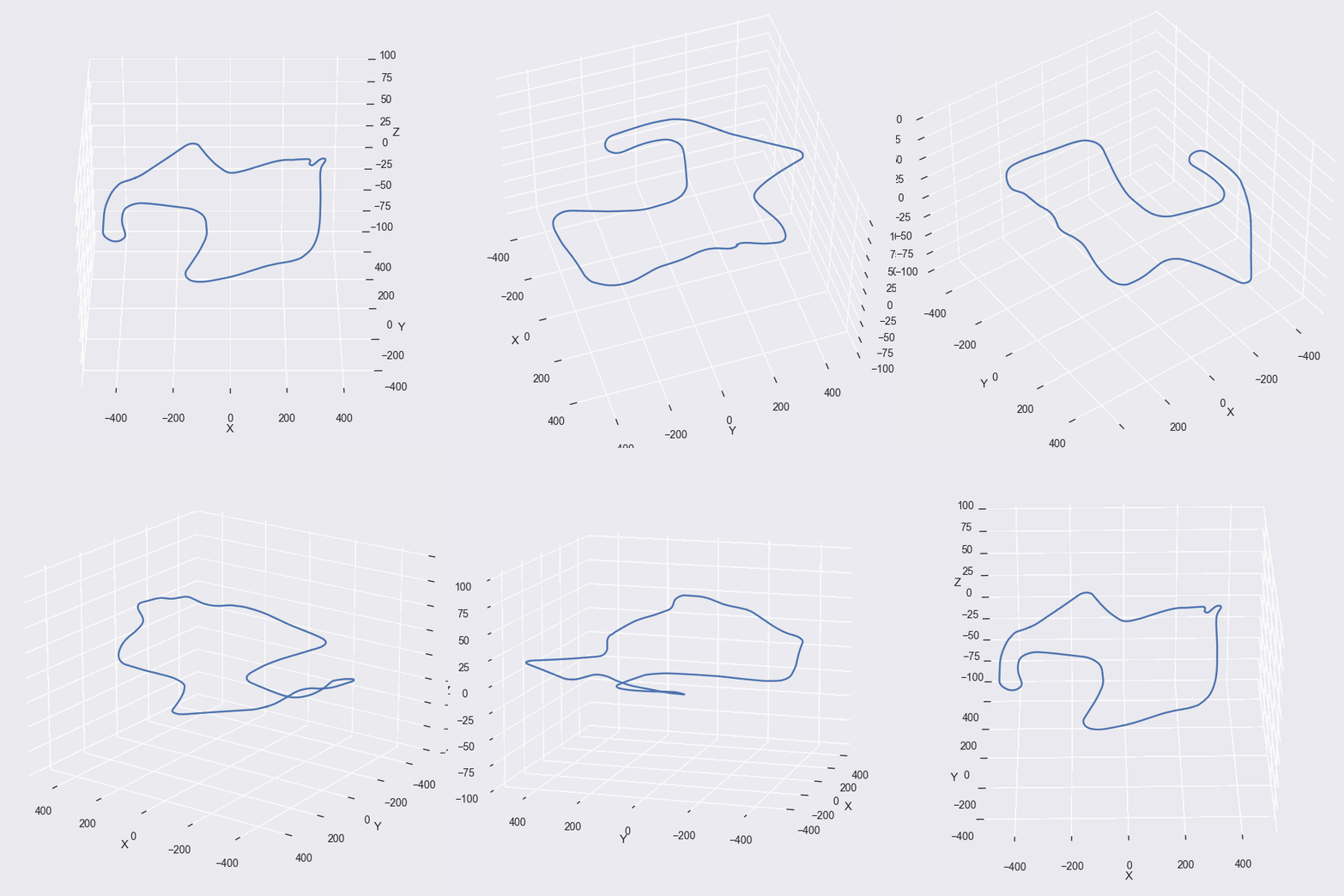
- Your car's path will be drawn in real-time as you drive around in either Motorsport or Horizon

- Displays the number of laps you can go until you run out of fuel
- Displays the amount of fuel consumed per lap
- Displays your car's MPG
- Displays time and split time for every lap, not just your best and previous lap
- Forza Telemetry uses a UDP loopback so that you can run this program on the same computer that you're using to play Forza
Because Forza calculates fuel consumption in a very strange way. Also, Forza cars have an unknown amount of fuel, so calculating the Miles Per Gallon figure is a bit tricky. The app assumes that each car has roughly 13 gallons of fuel to arrive at a number for MPG (13 gallons of fuel is a typical amount for a road car).
Most likely the map has too much data to render.
This app looks best when it's in a 1920x1080 window (and looks even better in fullscreen mode). When the window deviates from this size, some visual elements might be placed incorrectly.
Not yet. That is a feature I'd like to implement eventually.